Hetzner Alternatives in Europe: Choose by Workload, Not Just Price
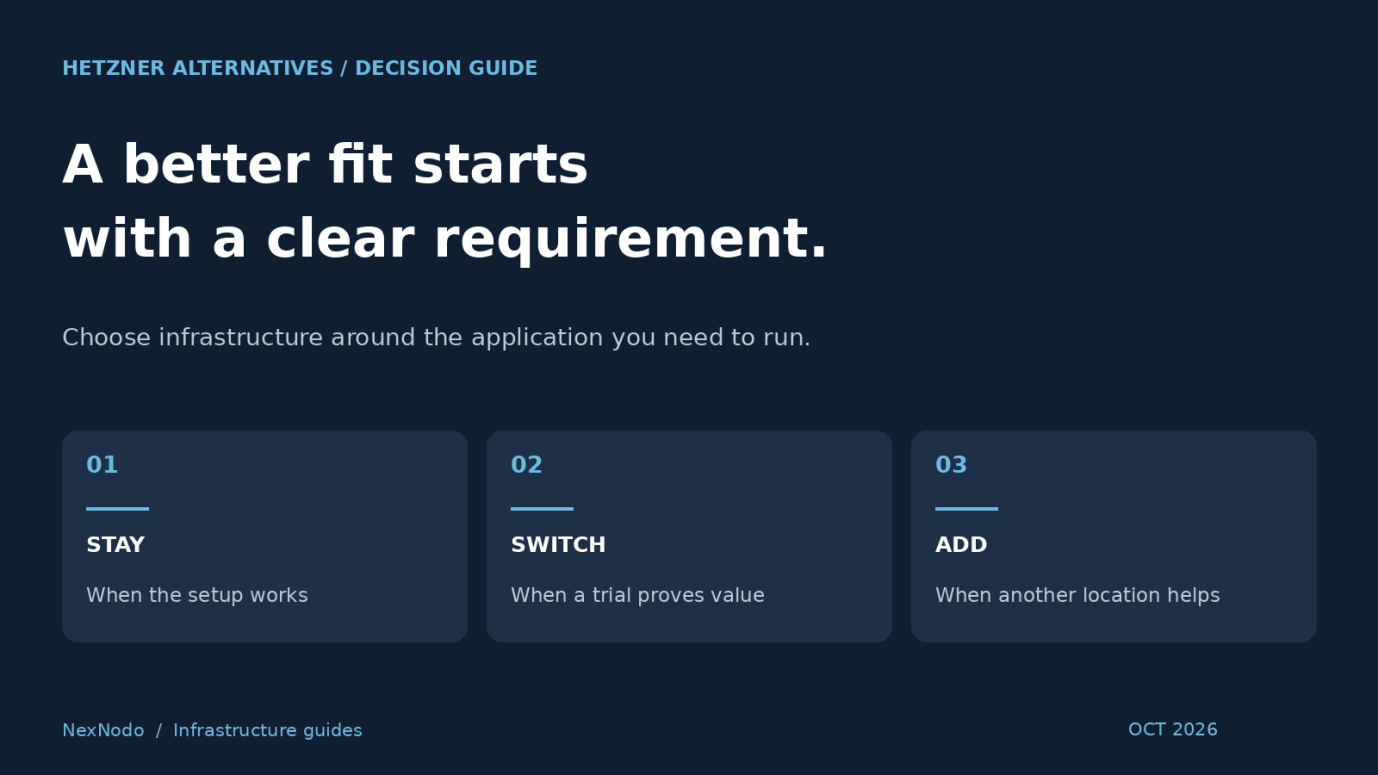
The best Hetzner alternative depends on what you need to change. A different location, a managed database, more suitable storage or a second infrastructure provider can each lead to a different shortlist.
Before moving a working application, write down the limitation you are trying to solve. “Reduce the full monthly cost of this configuration” is actionable. “Find something better” is not.
This guide compares alternatives by migration goal and explains how to test them. It is based on published product information, not measured performance rankings. NexNodo publishes this guide and includes its own marketplace as one option; inclusion here does not imply that another listed provider is a NexNodo partner.
Start with the reason you are considering a change
| Your goal | Candidates to investigate | Evidence you need |
|---|---|---|
| Different VPS packaging | OVHcloud | Final quote, network conditions and backup scope |
| More RAM or disk within budget | Contabo and matching offers elsewhere | Full specification and a workload trial |
| A broader cloud-service stack | Scaleway or DigitalOcean | Required services in the same usable location |
| Additional deployment locations | Vultr or suitable regional providers | Actual stock, routing and measured latency |
| Offers from independent operators | NexNodo | Provider identity, location and resource terms |
| More predictable CPU access | Dedicated-vCPU products, including Hetzner’s own | Allocation policy and sustained-load results |
Dedicated CPU alone is not a reason to exclude Hetzner: it already offers dedicated-vCPU cloud instances. First check whether changing instance family within your existing account would solve the problem, as its server documentation describes.
OVHcloud: when the package matters more than the entry price
OVHcloud advertises VPS packages with daily backup, anti-DDoS protection and included traffic. Review the exact offer and location conditions rather than assuming every VPS has the same bundle.
This is a sensible candidate if your current comparison leaves backup or transfer costs outside the headline price. Ask how much data you need to restore, how far back recovery must go and whether additional disks are covered.
For public game servers or other exposed services, ask about the traffic and protocols relevant to your application. A general DDoS feature is not evidence that every attack will be mitigated without disruption.
Decision test: does the selected package meet your network and recovery requirements at a better total cost?
Contabo: when memory or disk capacity drives the budget
Contabo’s Cloud VPS documentation describes KVM virtualization with shared vCPUs and a choice of NVMe or SSD storage. Its resource combinations make it worth evaluating when RAM or disk is your main constraint.
A larger plan is only useful if it improves the bottleneck you actually have. Extra RAM can help a memory-constrained application; it will not necessarily improve a CPU-bound task. Shared vCPU should be assessed using sustained application load, not assumed to be either fast or slow.
Decision test: does the application meet its response-time or job-completion target while staying inside the full contract cost?
Scaleway: when you want a wider European cloud stack
Scaleway offers a range of instance profiles, including dedicated-CPU categories. Its wider product portfolio is worth investigating if your requirements extend beyond one virtual machine.
Compare the architecture as a whole. A VM, a database and persistent storage need compatible locations, networking and recovery procedures. Separate compute, storage and IPv4 charges must also be included in the estimate.
Decision test: do the available services reduce operational work enough to justify migration and ongoing cost?
DigitalOcean: when managed services change the economics
DigitalOcean offers managed databases and Kubernetes alongside Droplets. These services are relevant if your team would otherwise maintain those components itself.
An infrastructure bill can increase while the overall operating cost decreases, but that outcome needs a calculation. Estimate the time spent on patching, recovery and routine maintenance. Then check which responsibilities the managed service actually takes over.
Keep the current billing distinction in mind: CPU Droplets are billed per second, but bundled plans and v5 configurations differ in whether a monthly cap applies.
Decision test: is the service coverage useful to your team, and is the full monthly estimate acceptable?
Vultr: when the deployment location is the constraint
Vultr has an international footprint with European deployment options and several Cloud Compute categories. Check the desired plan in the desired location instead of treating all locations as interchangeable.
Moving closer to users is a hypothesis to test. Compare latency from actual user markets, and include the connection between your application and its database. A fast connection to customers will not compensate for a newly slow connection to the data the application needs on every request.
Decision test: does the new location improve end-to-end application performance under realistic conditions?
NexNodo: when you want to compare independent providers
NexNodo lets you search infrastructure from independent operators by requirements such as location, CPU, memory and storage. Each selected resource retains its applicable pricing model.
This approach is useful when the right alternative may be a regional provider you would not otherwise include. Start with the workload and location, review the resulting offers, then verify the technical and commercial details of your shortlist.
A common marketplace does not remove infrastructure differences or make migration automatic. You still need to move application data, check dependencies and validate recovery.
Decision test: does an available offer meet a requirement your present setup cannot satisfy as well?
Calculate whether moving is worth it
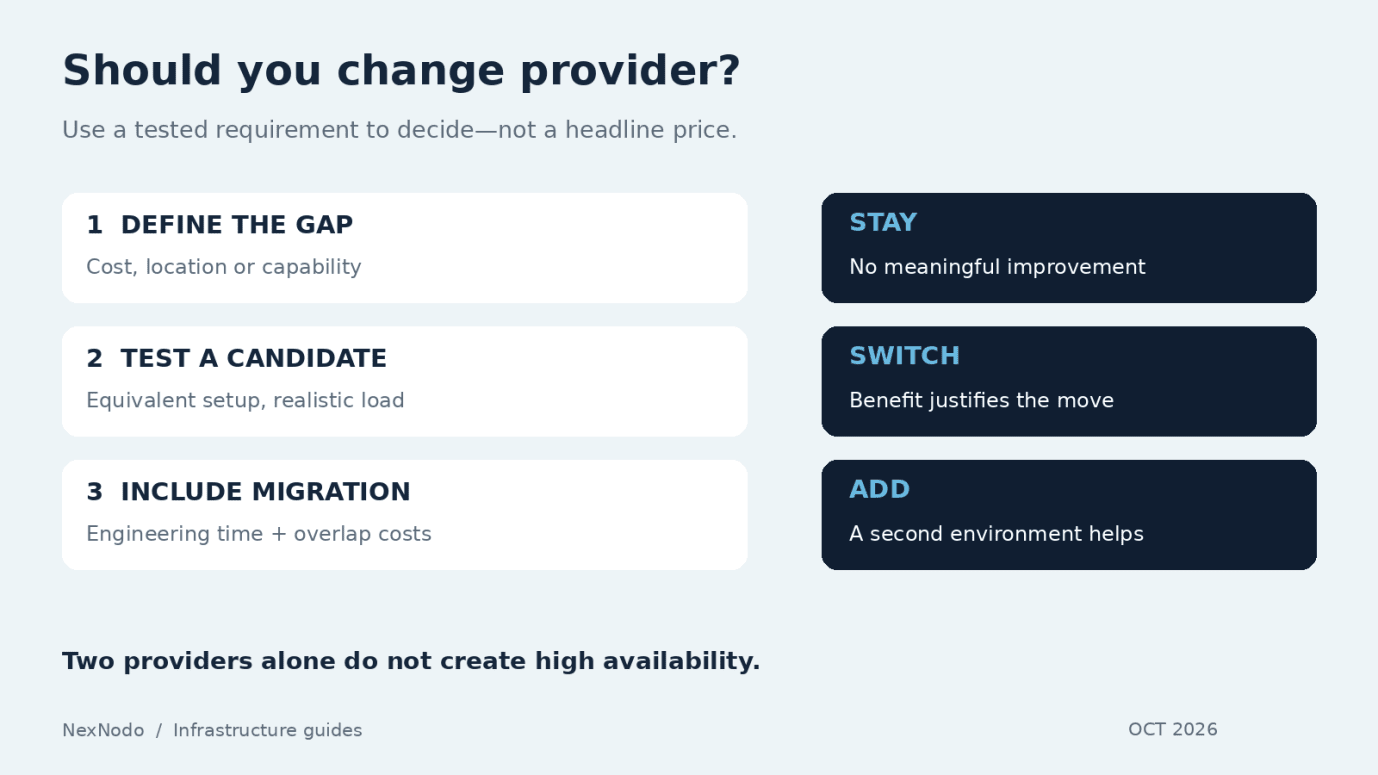
Consider an illustrative application that would cost €20 less per month on a new provider. If migration requires €240 worth of engineering time, the simple break-even point is 12 months: €240 divided by €20. This excludes overlap costs, unexpected work and the risk of disruption.
For your own comparison, include:
- Recurring compute, disk, IP, backup and transfer costs.
- Any required licenses or support plans.
- Time spent adapting deployment automation and monitoring.
- A period of running old and new infrastructure together.
- The cost of transferring and validating data.
A lower server price alone is a weak reason to migrate a stable production service if the saving is small. A required location or a missing capability may justify the move even without a lower bill.
A practical migration trial
- Record the baseline. Capture response-time percentiles, errors, resource usage and total cost on the existing setup.
- Provision a comparable candidate. Match CPU class, memory, storage and operating-system architecture. Check x86 versus Arm compatibility where relevant.
- Test a representative copy. Use appropriate test data and the same software versions. Include peak load, background jobs and restart behavior.
- Validate operations. Test backup restoration, monitoring, access controls and deployment automation.
- Plan the cutover and rollback. Define the data synchronization method, maintenance window if needed, and conditions for returning to the old environment.
A database migration needs particular care around writes during cutover. Copying files once is not a complete consistency plan for a live application.
Stay, switch or add a second provider?
Stay if the current service meets your requirements and the alternative offers little measurable improvement.
Switch if a tested candidate solves a concrete limitation and the migration cost is justified.
Add a second provider if you need an additional location, an independent recovery destination or a separate environment for a specific workload.
Two providers do not automatically create high availability. That requires replication, health checks, traffic switching and tested recovery procedures. Shared dependencies — such as one database or DNS account — can still become single points of failure.
Frequently asked questions
Which alternative is cheaper than Hetzner?
Compare current quotes for your exact specification. A plan with more shared vCPUs is not a like-for-like substitute for dedicated CPU, and promotional prices may not match renewal costs.
Do I need to replace every server?
No. Testing one development, staging or suitably isolated production workload can establish whether a provider fits before a wider move.
Can I keep Hetzner and use NexNodo too?
Yes, an architecture can use infrastructure procured through different channels. You will still need to manage connectivity, application deployment and data movement between environments.
For a wider shortlist, read our European VPS provider comparison. For CPU allocation details, see KVM VPS and dedicated vCPU explained.
Explore available alternatives on NexNodo and compare them against the requirement you want to improve.
Source Notes
The article was fact-checked against current provider material on October 8, 2026:
- Hetzner server FAQ: docs.hetzner.com/cloud/servers/faq
- OVHcloud VPS (Ireland): ovhcloud.com/en-ie/vps
- Contabo Cloud VPS documentation: docs.contabo.com
- Scaleway instance guide: scaleway.com/en/choose-the-right-instance
- Scaleway instance pricing: scaleway.com/en/docs/instances
- DigitalOcean products: digitalocean.com/products
- DigitalOcean Droplet pricing: docs.digitalocean.com
- Vultr Cloud Compute: docs.vultr.com
- Vultr European footprint: blogs.vultr.com/vultr-UK-location
- NexNodo search: nexnodo.com/search
- NexNodo pricing: nexnodo.com/pricing